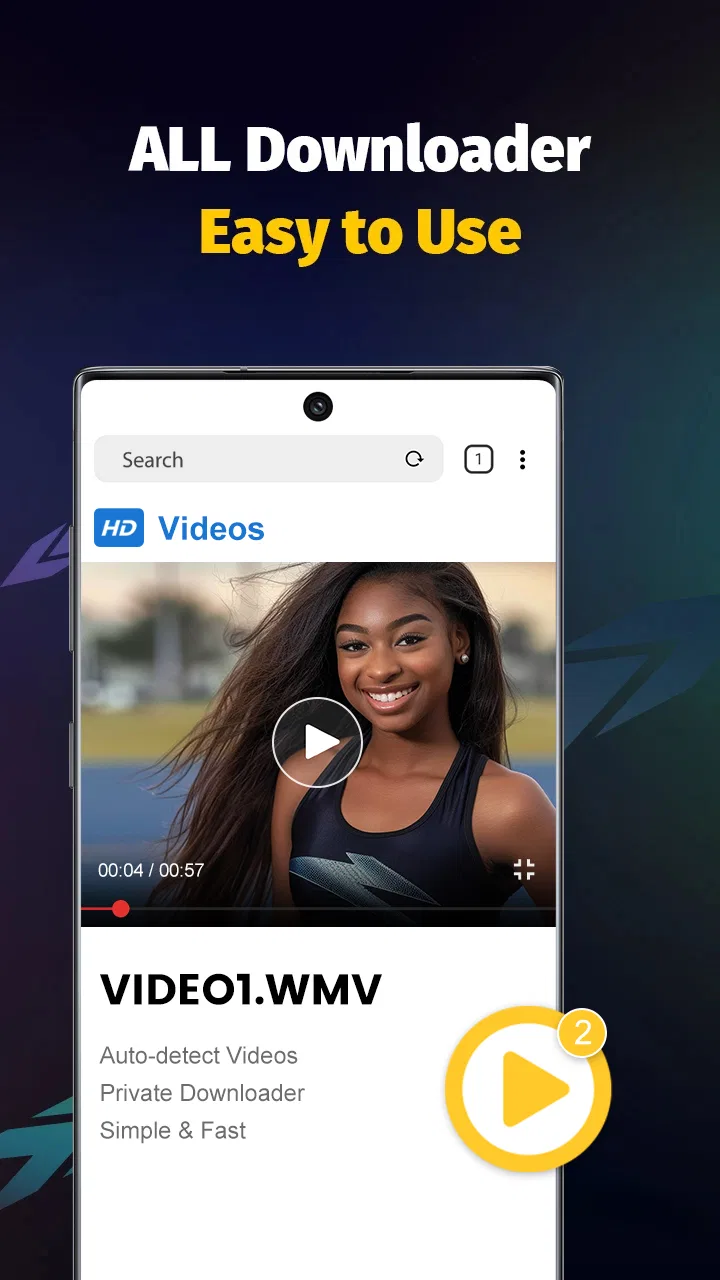
Video Downloader - Save Videos
- 4.5
- Rating
- 10.00M
- Installs
- Free
- Price

 Analysis by App-foxy
When I need to keep a video available for later viewing or use in a personal project, I usually want a simple tool rather than a full editing suite. Video Downloader - Save Videos is built for that narrow job: it belongs to the video players and editors category, and its purpose is to help me download and save videos inside the app. After testing it as a practical part of a creator workflow, I found that its value is less about producing polished content and more about making source material easier to collect, check, and hand off.
The app is free, has an Everyone age rating, and is made by All Video Downloader, Saver & Player Studio. Its current version is 1.28.5, and it works on Android 5.0 and newer. Those details make it accessible to people using older phones, although the experience will naturally depend on the device, available storage, and the particular video source. The app has a 4.6 average from around 122 thousand ratings and more than 10 million installs, so it has clearly reached a large audience.
From finding a video to building a useful collection
I focus on the step between spotting a useful clip and deciding whether it belongs in a project. A good collection is not just a pile of saved files: I find it works better when each video has a clear purpose, a known source, and a next step. That way, saving stays useful rather than becoming another chore to sort out later.
You May Also Like

 Blood Strike: 2.5 Anniversary
Blood Strike’s Loadouts Turn Every Drop Into a Tactical Gamble
A close look at Blood Strike’s custom loadouts: how fast access to signature weapons reshapes its battle royale rhythm, rewards preparation, and narrows the gap between fights.

 Pandora - Music & Podcasts
Pandora’s Music Is Easy to Start, but Harder to Recover
Pandora’s strength is its low-effort path from a seed to a station. Its weak spot is how much confidence it asks you to place in connection, setup, and quiet recovery.

 8 Ball Pool
 Is Built on Rivalries, Rematches, and Routine
A close look at the rivalries, rematches, shared routines, and unanswered safety questions that turn a quick pool match into a persistent mobile community.

 Samsung Music
’s Quiet Strength Is Playing What You Already Own
Its reach comes less from spectacle than from dependable access to a personal library. That simplicity is both the app’s strongest retention engine and its ceiling.

 AccuWeather: Weather Radar
AccuWeather Review: A Quick, Clear Forecast for Everyday Decisions
For everyday plans, the best forecast is the one you can understand quickly. AccuWeather makes rain timing, radar, and local conditions easy to act on, with a few trade-offs.

 Hill Climb Racing
Why Hill Climb Racing Still Turns Crashes Into One More Run
A tiny car, a bumpy hill and one more upgrade: Hill Climb Racing keeps resurfacing because its simple chaos makes every near-miss feel personal.
More From Our News Desk



A practical starting point for creative work
I see this app as a preparation tool for creators, students, travelers, and anyone who wants a local copy of a video for legitimate personal use. It is not the place where I would plan a complete production, add a soundtrack, or assemble a finished social post. Instead, it helps with the stage before editing: gathering material that I may need when an internet connection is unreliable or when I want to review something repeatedly.
That distinction matters. A downloader can save time at the beginning of a project, but it does not automatically solve copyright, permission, or platform rules. I would use it for videos I own, material offered for downloading, or content whose creator has clearly allowed saving. If my goal were to collect clips from services that prohibit downloading, I would skip this app and use the official offline feature, if one exists, or ask the rights holder first.
The store summary emphasizes free saving and support for all formats. In day-to-day use, I would treat that as a reason to try the app with a small file before committing to a large collection. “All formats” can mean that the app recognizes many common video types, but playback and editing compatibility can still vary between phones and creative apps. The safest workflow is to download one representative file, open it in the built-in player, and then test it in the editor or publishing tool I plan to use.
Organizing the material before it becomes clutter
The first non-obvious lesson is that a downloader becomes much more useful when I decide what each file is for before saving it. I would create a simple naming habit based on the project, source, and intended use rather than leaving every file with an automatically generated title. That makes later selection faster, especially when several videos look similar in a gallery.
I also recommend keeping a small collection instead of treating the app as an unlimited archive. Video files can consume storage quickly, and a phone that is nearly full becomes frustrating for recording, editing, and exporting. After checking a saved clip, I would either move it into the project location I actually use or remove it if it has no further purpose. This is a basic step, but it prevents the app from becoming a second, disorganized downloads folder.
For a realistic everyday example, imagine that I am preparing a short presentation for a community group. I find a permitted demonstration video while I have a strong connection, save it for later, and watch it again during the commute. At home, I trim the relevant portion in a separate editor, add my own explanation, and send the finished file to the group. The downloader helps with access and review; it does not replace the editor or the final delivery service.
What the player stage is good for
The built-in viewing side is useful because I can inspect a saved video before bringing it into another app. I would use that step to check whether the file has the expected picture, sound, orientation, and length. This catches a common workflow problem: discovering only after opening an editor that the saved item is incomplete, silent, or not the version I intended to use.
That check is especially helpful when I am collecting reference clips rather than immediately publishing them. I can compare several saved examples, note which one has the clearest explanation, and avoid importing unnecessary files into a project. It also gives me a chance to decide whether the material is genuinely useful or merely interesting in the moment.
Still, I would not confuse local playback with professional media management. People working with large libraries, shared folders, detailed metadata, or synchronized project assets will probably be more comfortable with a dedicated file manager, cloud drive, or editing application. This app is strongest when the task is direct and personal: save a video, watch it, and decide what to do next.
Making something from the saved material
Once I have selected a clip, the actual making process normally moves to another tool. I might trim it, crop it for a vertical format, add captions, record a voice-over, or combine it with footage from my phone. Video Downloader - Save Videos should be viewed as the intake step in that chain, not as a complete production environment.
That limitation is not necessarily a weakness. A focused downloader can be easier to understand than an app that tries to combine browsing, downloading, editing, effects, and publishing in one crowded interface. If I already have an editor I trust, I would rather use this app to collect material and leave creative decisions to the tool designed for them.
The trade-off becomes clearer for beginners. Someone who only wants to save a clip for watching later may appreciate the focused purpose. Someone expecting a one-stop creator studio may feel that the workflow stops too early. Before installing it, I would ask myself whether I need a saved source file or a finished video. The answer determines whether this app is a good fit.
Iteration without losing track of versions
Saving several versions of the same source can become confusing, so I would avoid downloading duplicates unless they serve a clear purpose. For example, I might keep one original reference clip and one legally supplied version intended for editing, but I would not repeatedly save the same file after every minor decision. This keeps storage under control and reduces the chance of editing the wrong copy.
A useful workflow is to review first, select second, and edit third. I would watch the complete saved video, mark the section I need in my notes, and only then import it into an editor. That small pause is valuable because it separates research from production. It also prevents me from building a project around a clip that later turns out to be unsuitable for the intended audience or format.
Another practical tip is to test the handoff early. Before collecting a full set of sources, I would save one file and move it through the whole process: playback, import, trimming, and export. If the editor handles it cleanly, I can continue with confidence. If it does not, I have found the compatibility issue while the project is still small rather than after hours of work.
For creators working on a phone with limited space, this test is more important than it sounds. A file that plays smoothly may still be awkward in an editor, particularly if the app needs to create temporary copies during rendering. I would keep spare storage available and avoid downloading a large batch until I know the device can handle the complete workflow.
Export, handoff, and the point where another app takes over
The handoff is where I notice the clearest boundary of this product. The saved video is useful as an input, but a creator usually needs to pass it into a gallery, file manager, editor, messaging app, or publishing platform. I would check the file’s location and name before starting a project, then keep the source separate from any edited output. That simple separation makes revisions safer because I can return to the original if a crop, caption, or sound change goes wrong.
For a quick personal share, I might use the saved file directly after checking it. For anything public, I would first confirm that I have permission to use it and then make the necessary changes in an editor. This is also the point where I would verify that the final output meets the destination’s requirements. The downloader can provide the starting file, but it cannot make a source automatically suitable for every social network, presentation system, or editing timeline.
Compared with using a browser alone, the app can feel more convenient when I want a dedicated place to save and replay material. Compared with official offline viewing, however, a platform’s own feature may be better when I only need temporary access within that service. Official options are usually the safer choice for content governed by strict platform rules, while a standalone downloader is more useful for files I am allowed to keep and reuse in a wider workflow.
Compared with a full video editor, this app is quicker for the narrow task of collecting a source, but it offers far less for shaping a finished piece. Compared with a cloud drive, it is more directly focused on video saving and playback, while a drive is usually better for organizing project folders across devices. I would choose between them based on the handoff I need, not on the download button alone.
Everyday friction I would plan around
The first limitation is legal and practical rather than technical: not every online video should be downloaded. The app’s availability does not grant permission to copy, repost, or edit someone else’s work. I would be particularly careful with commercial footage, private videos, paid material, and clips containing music or images owned by other people.
The second limitation is that a downloaded file can still be inconvenient later. File naming, storage use, compatibility, and transfer steps all affect the overall experience. A person who expects one tap to produce a ready-to-publish video may be disappointed. The app simplifies acquisition, but it does not remove the ordinary responsibilities of organizing media and preparing it for a destination.
The third is that a focused tool may not suit people who rarely save videos. If I only watch occasional content, the official app or browser may be enough. I get more value when I repeatedly need local access, want to compare sources, or use saved clips as references for a larger creative task.
I would also keep expectations realistic about privacy and safety. I would avoid entering sensitive account details into unfamiliar download pages, review each source carefully, and delete files I no longer need. The safest use is a controlled one: save permitted material, inspect it, transfer it to the appropriate project location, and clean up afterward.
Who will appreciate it most
This is a sensible choice for a student collecting permitted lecture material, a traveler preparing videos for poor connectivity, or a small creator gathering references before editing. It can also help someone who wants a straightforward local video library without learning a complicated production suite.
I would recommend it less enthusiastically to professional editors managing many projects, teams that need shared asset libraries, or creators who expect built-in trimming, effects, captions, color work, and publishing controls. Those users will probably be better served by a dedicated editor and a more structured storage system, with this app used only if its saving workflow fits their permitted sources.
My creator verdict
After looking at it as part of a brief-to-delivery workflow, I see Video Downloader - Save Videos as a useful first step rather than a complete creative solution. It can help me bring permitted video material into a local, reviewable collection, and the free price makes experimenting easy. Its broad format positioning and support for Android 5.0 and newer also make it approachable for people using a range of devices.
My strongest recommendation is to use it deliberately: test one file, watch it before editing, name and organize the material, confirm that the intended use is allowed, and move only the necessary sources into the production workflow. Those habits matter more than simply accumulating downloads.
My bottom line is simple: choose it when saving and reviewing video is the problem, not when full video creation is the goal. For the right user, it is a practical bridge between discovering a useful clip and beginning real work. For someone who needs advanced editing, collaborative storage, or a direct publishing pipeline, another category of app will be the better destination.
FAQs for Video Downloader - Save Videos
01What video formats does Video Downloader - Save Videos support?
Video Downloader - Save Videos supports a wide range of video formats, including MP4, AVI, MOV, and more. This flexibility ensures that you can download videos from various sources without worrying about compatibility issues with your preferred media players or devices.
02Is Video Downloader - Save Videos safe to use?
Yes, Video Downloader - Save Videos is designed with user safety in mind. The app features secure download protocols and regular updates to protect against vulnerabilities. However, users are encouraged to download videos only from trusted sources to avoid copyright infringements and potential malware.
03Can I download videos from social media platforms using Video Downloader - Save Videos?
Video Downloader - Save Videos allows users to download videos from several popular social media platforms. However, the availability of this feature depends on the app's compliance with each platform's policies. It's important to respect copyright laws and platform guidelines when downloading content.
04Does Video Downloader - Save Videos offer batch downloading?
Yes, Video Downloader - Save Videos includes a batch downloading feature, allowing users to download multiple videos simultaneously. This feature is particularly useful for those looking to save time and manage large collections of videos efficiently. Ensure your device has sufficient storage to accommodate downloaded content.
05Are there in-app purchases or ads in Video Downloader - Save Videos?
While Video Downloader - Save Videos is free to download, it may contain ads to support development costs. Some features might require in-app purchases to unlock, such as ad-free experiences or advanced downloading options. Users can check the app description for detailed information on any additional costs.
Pros
- Supports various video formats seamlessly.
- Fast download speeds for large files.
- User-friendly interface with intuitive navigation.
- Allows for background downloading.
- No account needed to start downloading.
Cons
- Contains ads that can be intrusive.
- Limited support for certain streaming sites.
- No built-in video player for previews.
- Requires stable internet for reliable downloads.
- Free version lacks premium features.

Video Downloader - Save Videos
Gallery